How to Track Whether ChatGPT Is Driving Traffic to Your Website
Introduction
As more people use AI tools to discover information, businesses are increasingly interested in understanding whether platforms such as ChatGPT are sending visitors to their websites. Traditional SEO reporting often focuses on Google rankings, organic traffic, and keyword positions. AI-driven discovery introduces another source of referral traffic that businesses should consider tracking.
Measuring ChatGPT traffic is not always straightforward, but several practical methods can help you identify visits and understand their behaviour.
What Does ChatGPT Referral Traffic Mean?
ChatGPT referral traffic refers to website visits that originate from links or recommendations presented within ChatGPT. When a user clicks a website link in an AI-generated response, their visit may be recorded by your analytics platform as referral traffic.
However, not every AI-assisted visit will necessarily be attributed perfectly. Users may see information in ChatGPT, remember your brand, and visit your website later through a search engine or by typing the address directly. For this reason, ChatGPT traffic should be viewed as one part of a broader AI visibility strategy.
1. Check Your Website Analytics
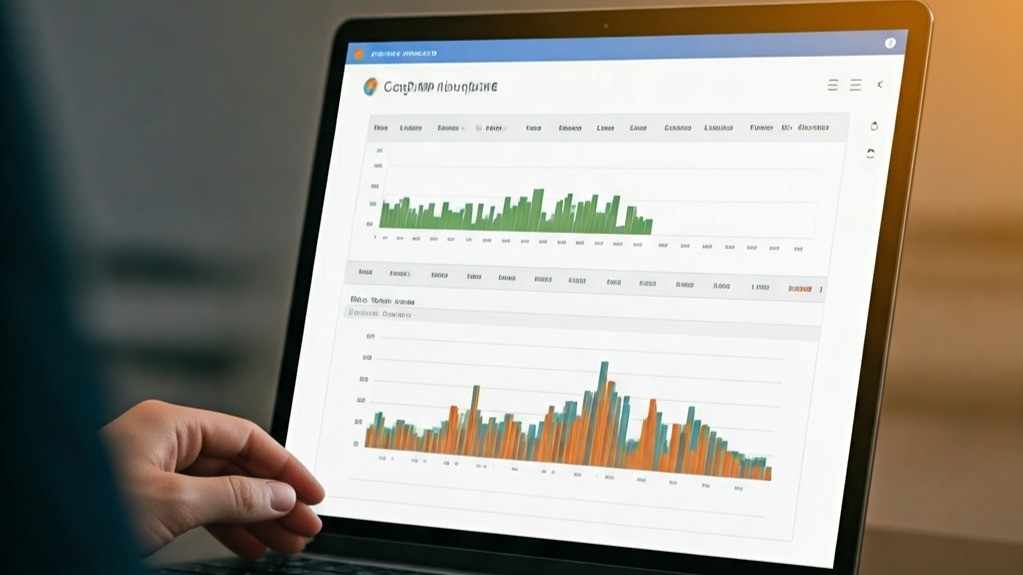
The first place to look is your website analytics platform. Tools such as Google Analytics can provide information about traffic sources, referral channels, landing pages, and user behaviour.
Look for referral traffic associated with ChatGPT or AI-related domains. Depending on how the visit is recorded, the source may appear differently.
Pay attention to:
Referral traffic:
Identify visits attributed to AI platforms.
Landing pages:
See which pages visitors reach after clicking through.
Engagement:
Check how visitors interact with your website.
Conversions:
Determine whether AI-referred visitors complete valuable actions.
Geographic data:
Understand where these visitors are coming from.
Reviewing these metrics over time can help identify changes in AI-generated traffic.
2. Use UTM Parameters Where Appropriate
Tracking parameters can make traffic sources easier to identify when you control the links being shared. UTM parameters can provide information about the source, medium, campaign, and other attributes associated with a link.
However, website owners cannot simply add tracking parameters to links generated independently by ChatGPT. Therefore, UTM tracking is most useful when your own campaigns, content, or shared links are involved.
3. Monitor Referral Sources
Your analytics platform may show specific referral sources that send visitors to your website.
Create a regular report for AI-related referral traffic and compare it with other channels such as organic search, social media, email, and direct traffic. This can help you determine whether AI platforms are becoming a meaningful source of website visitors.
4. Look at Landing Page Performance
Knowing that ChatGPT sent visitors is useful, but understanding which pages attract those visitors can provide even more insight. For example, you might discover that AI-referred users frequently land on:
- Detailed guides
- Comparison articles
- FAQ pages
- Service pages
- Product pages
- Educational resources
If particular pages consistently attract AI-driven visits, this may indicate that their content effectively addresses questions users are asking.
Conclusion
Tracking ChatGPT traffic requires more than looking at a single analytics report. Businesses should combine referral data, landing-page analysis, conversion tracking, and ongoing AI visibility monitoring.
The objective is not simply to count visits from ChatGPT. It is to understand whether AI-driven discovery is introducing relevant audiences to your website and contributing to meaningful business outcomes. As AI search continues to evolve, measuring these interactions can become an increasingly valuable part of a modern SEO strategy.